7 years of Postgres in production

I’ve been working with PostgreSQL in production for about 7 years now, across 3 different companies.
I don’t consider myself an expert. There’s still a lot I don’t know, and every now and then Postgres still humbles me. But I’ve spent enough time debugging slow queries, reviewing migrations, and dealing with production issues to have picked up a few patterns that keep coming up.
This is a brain dump of the things that have been consistently useful for me.
Learn how to read execution plans
I remember being in a google meets call with a coworker back in 2022 and going through some logs to debug why a Celery task was taking so long to run. My teammate suggested we look at the execution plan for the main query and see what Postgres was doing (thanks Tomas!). You see, unlike other databases such as Oracle, Postgres doesn’t give you the option of telling it how to run a query. Instead, it has access to a bunch of storage data and statistics that allow it to estimate the most optimal execution method. If for some reason a query is inefficient, that’s when you need to reach for EXPLAIN ANALYZE and get comfortable with a few basics:
Seq ScanvsIndex ScanNested LoopvsHash Join- Estimated rows vs actual rows
For an introduction to execution plans and some practical examples, check out Deepesz’s artcicle.
Also, this tool is great for visualizing the output: explain.dalibo.com.
Being able to read execution plans allows you to identify the bottleneck in a slow query and gives you a starting point to work on improvements.
Most of your queries are “short queries”
This one changed how I think about performance.
From PostgreSQL Query Optimization (more on this below):
A query is short when it only needs a small number of rows to produce its result, even if the tables themselves are large.
That’s basically most application queries.
- get the latest appointments + related data by clinic id
- list last 20 orders + customer info
- fetch active subscriptions
These are not complex, but they run all the time. And a slightly inefficient query that runs thousands of times per minute will hurt you way more than some heavy analytics query that runs once an hour.
To make a short query execute fast, you must allow Postgres to quickly reduce the search space. In practice, a lot of performance work ends up being:
- making sure the right indexes exist (multi-column indexes are often necessary to increase selectivity)
- making sure they’re actually used (avoid column transformations!)
- avoid reading more columns than you actually need (that’s how you achieve index-only scans)
Nothing fancy, just getting the basics right.
Read this book
I don’t usually recommend reading full technical books. Most of the time blog posts and docs are enough.
This is one of the few exceptions:
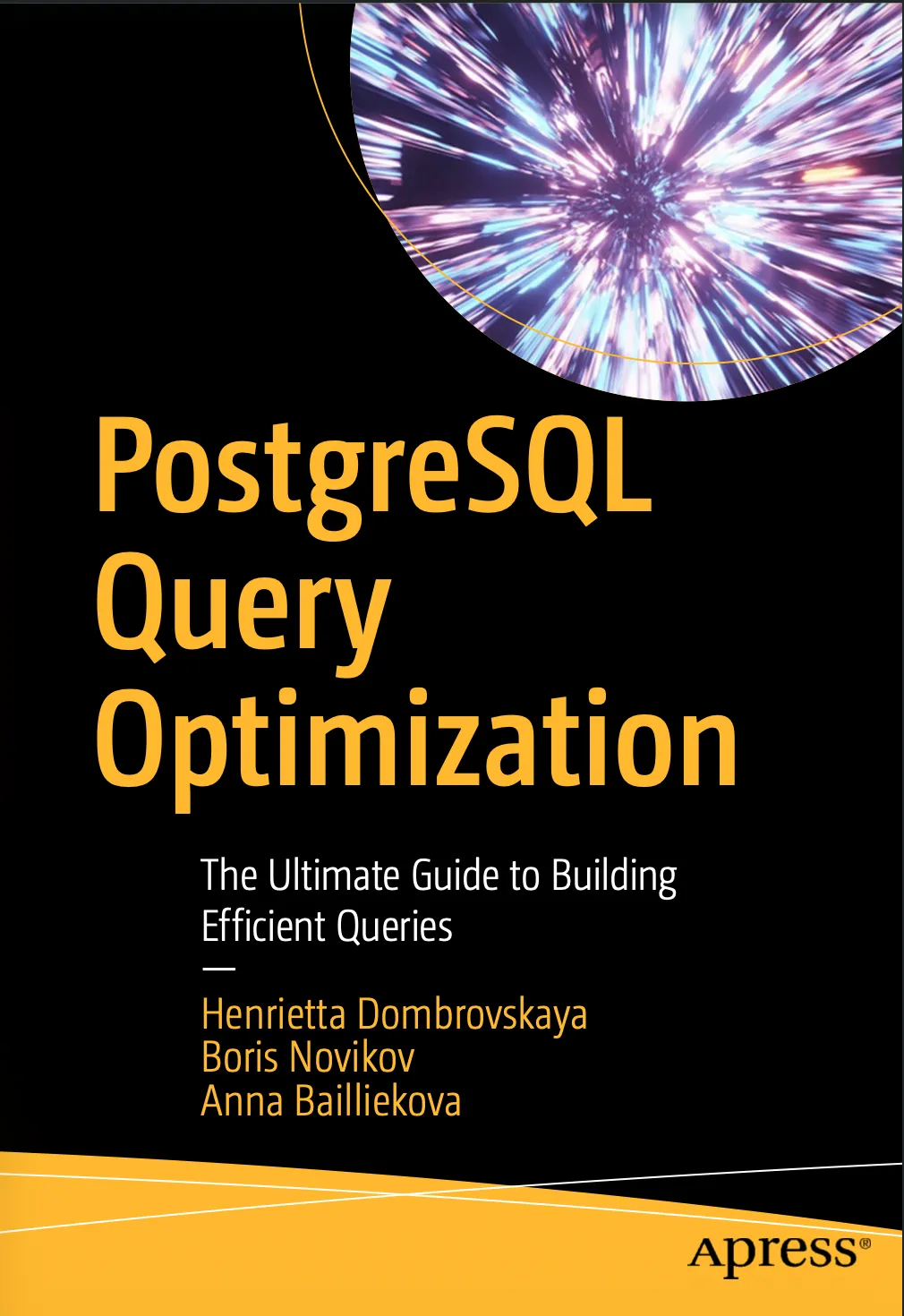
PostgreSQL Query Optimization: The Ultimate Guide to Building Efficient Queries by Henrietta Dombrovskaya.
It helped me go from the “try stuff and see what happens” phase to actually understanding why queries behave the way they do.
If you don’t want to read the whole thing, just go through chapters 1-5 plus chapter 9. You’ll improve your understanding of PostgreSQL internals, you’ll learn to speed up critical queries and also make better schema design decisions.
Use a migrations linter
Migrations are one of those things that look harmless until they’re not. I often see pull requests with a migration get approved with little or no discussion about the risks. The truth is many people are not fully aware of Postgres’ locking mechanism and the ALTER TABLE command:
At one point, I realized I kept going back to those 2 pages in the official documentation and I started to wonder, shouldn’t this be automated?
Eventually, I found Squawk. It lints your Postgres migrations and warns you about risky stuff before it hits production.
Things like:
- operations that block inserts/updates to the whole table
- using the wrong data type for a new column
- full table scans
Honestly, I’m surprised more teams don’t have something like this in place. Migrations are too risky to rely on manual verification.
*This is another interesting tool I’ve found to visualize Postgres’ locking mechanism in action: https://postgreslocksexplained.com/
Let Postgres tell you what’s slow
For a long time I would only look at queries when something broke, which is not a great strategy. It’s much better to let Postgres log slow queries automatically and then look at them regularly.
A simple setup:
log_min_duration_statement=5000
auto_explain.log_min_duration
auto_explain.log_analyze = on
This gives you the actual query plus the execution plan for anything slow enough.
Then you just… follow the data.
One thing that took me a while to internalize:
A query taking 100ms doesn’t sound bad. But if it runs a lot, it adds up fast.
So you also want some visibility into:
- how often queries run
- which ones are responsible for most of the load
Sometimes the problem isn’t a “slow query”, it’s a “very common query that’s slightly too slow”.
Be mindful about ORM usage
Most teams use an ORM, and that’s fine for simple CRUD operations. Where I think they become a problem is when teams build “flexible” query methods on top of them — functions that dynamically compose filters, joins, and orderings based on whatever gets passed in.
In my experience this tends to produce queries that are hard to reason about and read more data than necessary. Simple lookups and inserts — great. Anything performance-sensitive, I’d rather write the SQL directly or at least use an ORM syntax that allows me to easily print the resulting query. Another problem with super flexible ORM-base query methods is that it becomes harder to find where a query is actually coming from in your system.
Autovaccuum is not trivial
Postgres’ implementation of MVCC has been said to be “among the worst” for popular relational databases. In simple terms, when you update a row, PSQL stores an entire copy into a new location (a “dead tuple”), even if only one field was changed. It then uses a method called oldest-to-newest (O2N) to chain the row versions, which means it needs to traverse all the old versions of the row in order to find the latest “live” version, which is inefficient. The benefit is that write operations do not block reads but it comes at the cost of table bloat (which is why PSQL is said to be very mem-hungry) and performance issues. To remove these dead tuples, autovacuum runs when certain thresholds are met:
vacuum threshold = base threshold (50) + scale factor (0.2) * number of tuplesSo if a table has 1000 tuples, vacuum threshold = 50 + 0.2 * 1000 = 250.
However, the default settings are not suitable for very large tables or those with high-write workloads, so you should set the scale factor to a smaller value:
ALTER TABLE table_name SET (autovacuum_scale_factor = 0.05);You might need to experiment with different scale factor values depending on table size.
Things I keep an eye on
A few resources I’ve found useful over time:
I don’t read everything, but every now and then you pick up something that saves you hours later.
Hope this is useful. I’ll be updating this article at least once a year or whenever I learn something new.